How Do I Claim My Contracting Business on ChatGPT?
Last tested: November 12, 2026
When OpenAI announced on November 10 that businesses can now claim their profile inside ChatGPT, my first question was simple: does this work for a remodeler, or only for online stores?
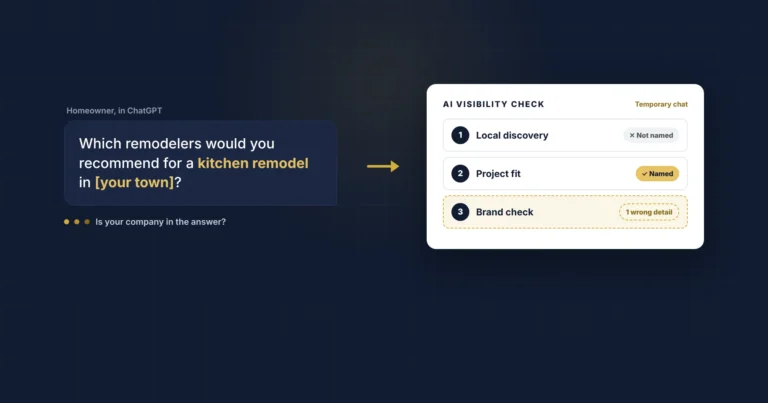
It matters because homeowners already ask ChatGPT who to call for a kitchen or a room addition. Until this week, a contractor had no way to see those answers or fix what ChatGPT said about them.
So I went into Business Hub with one of my clients, a family-run Los Angeles design-build firm, and looked at what a claimed contractor profile shows.
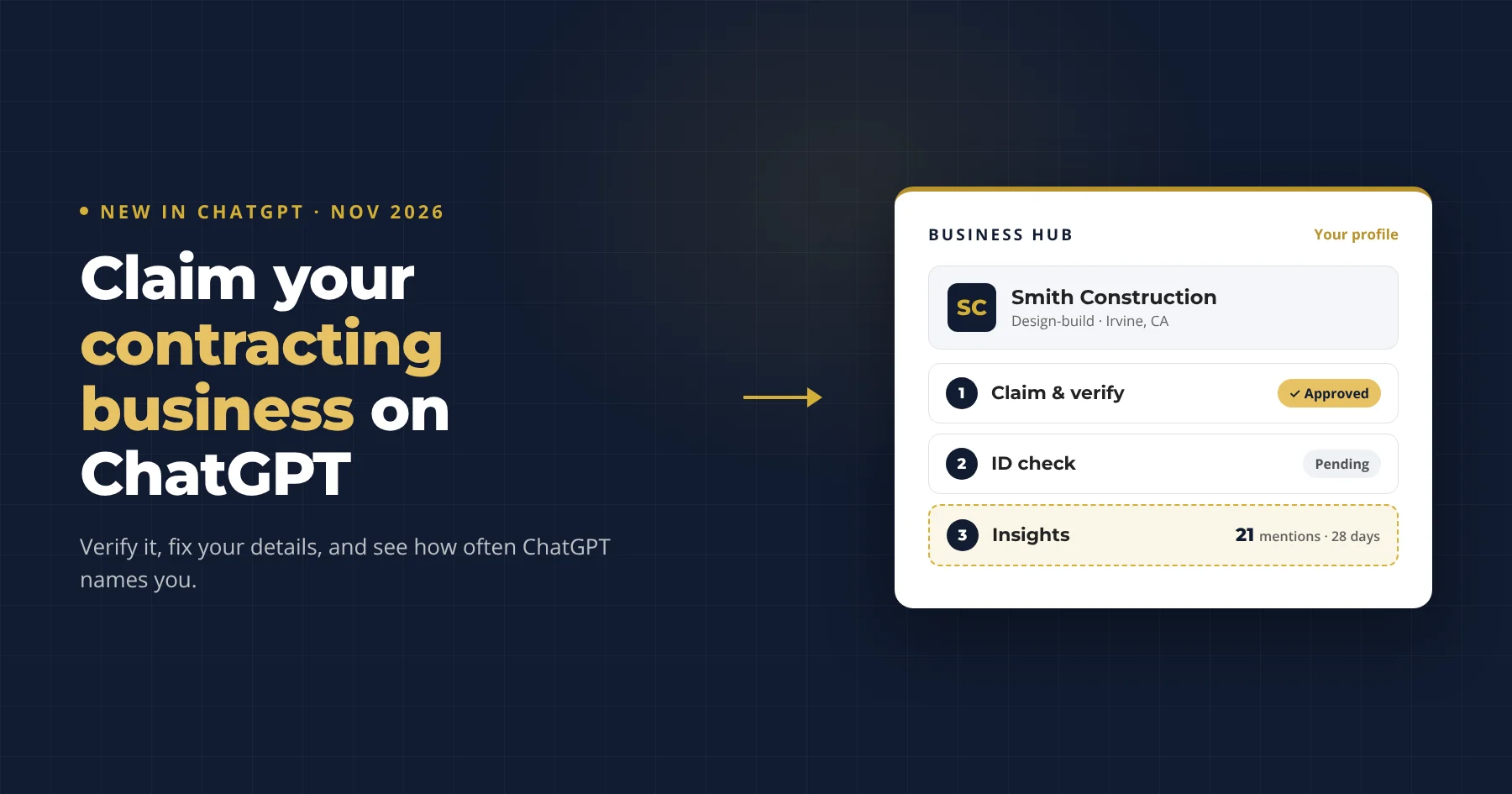
Short answer: Open ChatGPT, go to Business Hub in the sidebar (chatgpt.com/business-hub), search your company name, and verify it with your business phone, business email or a DNS record on your website domain. After OpenAI approves the claim, finish an ID check through Persona. Then you can edit your profile and see your ChatGPT mentions and website clicks. It’s free.
On November 12, 2026, this client’s claimed Los Angeles profile showed 21 ChatGPT mentions over 28 days, and 0 website clicks.
How a contractor claims their business on ChatGPT
- Businesses in ChatGPT launched in beta on November 10, 2026. You claim your business profile in Business Hub, free.
- Verify by business phone, business email, a DNS record on your domain, or Shopify. Most contractors should pick the phone.
- OpenAI reviews the claim, then you upload a government ID through Persona before you can edit anything or see insights.
- Each location is a separate profile. This client’s two offices show up as two listings.
- Insights count mentions, profile views and website clicks over 28 days. A dash means too little data, not zero.
- Claiming does not move you up in ChatGPT’s answers. Reviews, directory profiles and your website still decide that.
- Claim it this month anyway, before someone else does, so you control the details ChatGPT shows.
What I found when I checked Business Hub
A claimed contractor profile already shows real numbers, but small ones. Here is what this client’s Business Hub showed on November 12, 2026.
A claimed contractor profile, November 12, 2026
| What Business Hub showed | Los Angeles office | Costa Mesa office |
|---|---|---|
| Listed as | Its own profile | Its own profile |
| ChatGPT mentions, last 28 days | 21 | Dash (below the reporting threshold) |
| Profile views, last 28 days | 0 | Dash |
| Website clicks, last 28 days | 0 | Dash |
| Top discovery topics | Empty: “Topics will appear here when there are enough mentions” | Empty |
| Website access | Confirmed, last updated November 8, 2026 | Not checked |
| ID check through Persona | Still waiting | Still waiting |
How I checked: I opened both profiles in Business Hub on November 12, 2026 and read the 28-day insights. A dash means the number is below OpenAI’s reporting threshold, not zero.
Three things stood out. The Los Angeles office got named 21 times in four weeks, and not one of those answers sent a click to the website. The daily chart showed one spike of about nine mentions in late October, then zero to two on most days.
The second office, a newer location, shows only dashes. It exists as a profile, but ChatGPT hasn’t named it often enough to report.
And every edit button sits behind the ID check. Until the owner uploads a government ID, the profile shows whatever ChatGPT already gathered about the business.
What is ChatGPT Business Hub?
Business Hub is OpenAI’s free dashboard where a business claims its ChatGPT profile, corrects its details and sees how often ChatGPT mentions it.
The program is called Businesses in ChatGPT, and it launched in beta on November 10, 2026. If you’ve set up a Google Business Profile, the idea is close: the listing exists whether you claim it or not, and claiming gives you the keys.
Once you’re verified, you can edit your business information: website, description, category, logo and cover photo. Retailers can add a product feed and connect a Shopify store. Eligible US online businesses can also build a Business Agent, a chat assistant that answers customer questions inside ChatGPT. This client’s dashboard shows an Agent builder tab, but OpenAI limits agents at launch to ecommerce and online-service businesses, so I haven’t tested one for a contractor.
Can a contractor claim their business on ChatGPT?
Yes, if ChatGPT already knows your business, and this client’s two offices prove it.
OpenAI says any eligible business where ChatGPT is available can claim a profile, as long as you own the business or are authorized to represent it. Local businesses like stores and restaurants can only claim a listing that already exists in the US. OpenAI doesn’t list contractors by name, so treat the same rule as likely: search first, and claim the listing ChatGPT built.
If you can’t find your company, that tells you something on its own. ChatGPT doesn’t have a clear record of you yet.
How do I claim my business on ChatGPT, step by step?
The claim takes about 15 minutes of your time, plus a wait for OpenAI’s review.
Have your business phone, your company email login and a photo ID within reach before you start.
- Sign in with the right accountUse a ChatGPT account tied to your company email, not a personal login an employee might leave with. A free plan works.
- Open Business HubClick Business in the ChatGPT sidebar, or go to chatgpt.com/business-hub.
- Search for your companyType your business name and pick the listing with your address. If you have more than one office, each one is a separate listing to claim.
- Verify the claimPick one of the methods ChatGPT offers for your listing: business phone (text or automated call), business email, or website domain. Enter the code, or add the DNS record and click Verify domain.
- Wait for approvalOpenAI reviews the claim and emails you. It doesn’t publish a review time. You can hit Cancel claim while it’s pending.
- Finish the ID checkIn the Business tab, open your profile and click Verify. Persona asks for a government-issued ID and business registration details, and they have to match your official business records exactly.
- Fix your profileAfter Persona approves you, correct the description, category, website, logo and cover photo. OpenAI reviews edits before they go live.
One warning before step 7: a published profile can’t be deleted or hidden by OpenAI Support, so get the business name and address right the first time.
Which verification method should a contractor pick?
Pick your business phone if it’s the number on your Google listing; it’s the fastest route for most contractors.
Four ways to prove the business is yours
| Method | How it works | Best for |
|---|---|---|
| Business phone | A code by text or automated call to the listed number | Contractors who answer the main line themselves |
| Business email | A code to the email on record | Owners who check the office inbox |
| Website domain | A TXT record added to your domain’s DNS settings | Anyone with access to GoDaddy, Cloudflare or wherever the domain lives |
| Shopify | Connect a Shopify store | Retailers, not contractors |
If your web person manages the domain, the DNS route means a phone call to them. Copy the record type, host and value exactly. Many DNS providers add your domain to the host field on their own, so a doubled domain name is the most common reason it fails.
If you want a teammate or your marketing person in the dashboard, you claim it first, then invite them with their own ChatGPT account. Don’t forward a claim invitation; it’s tied to the email that received it.
What do the Business Hub numbers mean?
Business Hub insights show three numbers over the last 28 days: mentions, profile views and website clicks, plus the top discovery topics.
- Mentions: how many ChatGPT answers showed your business. For local businesses, the answer has to show your location to count.
- Profile views: how many people opened your ChatGPT profile.
- Website clicks: how many people clicked through to your site.
- Discovery topics: the top five themes in the answers that named you, such as the type of job people asked about.
A dash is different from a zero. It means you’re below OpenAI’s privacy threshold, so the number is hidden.
These numbers are OpenAI’s own count, which no outside tracking tool can see. They also show nothing about the jobs where ChatGPT named a competitor instead of you, and that part still takes a manual check.
What to do this month
Five things you can do yourself, no agency needed.
- Claim every officeSearch Business Hub for each address and claim each listing under a company-email account.
- Finish the ID check the same weekNothing is editable, and no insights show, until Persona approves you.
- Match your recordsUse the exact business name, address and license details that appear on your Google listing and your state license.
- Write a real descriptionName the jobs you do and the cities you work in, in plain sentences, the way you’d say it on a walkthrough.
- Check the numbers in 28 daysWrite down mentions and website clicks, then compare them next month.
A five-minute self-check
Before you claim anything, see what ChatGPT already says about you.
- Open ChatGPT and ask: “Who are the best kitchen remodelers in Irvine, CA?” Use your own trade and city.
- Check whether your company is named, and which sites ChatGPT links as sources.
- Ask what ChatGPT knows about your company by name, and look for a wrong phone number, an old address or a service you don’t offer.
- Open Business Hub, search your name, and note whether a listing exists for each office.
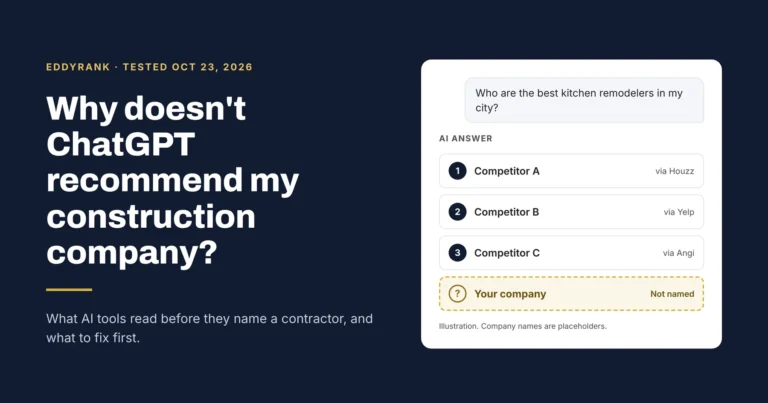
If ChatGPT gets your details wrong, the claimed profile is where you fix them. If it doesn’t name you at all, read why ChatGPT doesn’t recommend your construction company. For a longer version of this test, see how to check if ChatGPT recommends your remodeling company.
What claiming won’t fix
A claimed profile lets you fix your details. It doesn’t move you up the list. OpenAI says claiming doesn’t guarantee better placement, and ChatGPT Ads don’t influence ChatGPT’s independent recommendations.
ChatGPT still pulls from other sources when it answers. When I asked about kitchen remodelers in Sherman Oaks in October, ChatGPT cited Houzz, HomeAdvisor and the CSLB. In my 25-city test of AI remodeler recommendations, the names that kept showing up all had 60 or more reviews on at least one platform.
So the work that gets you named hasn’t changed: reviews, directory profiles that match each other, and a website that states your services and service area in plain text. That’s what AEO for general contractors covers. AEO, answer engine optimization, means making your business easy for AI tools to find, trust and name.
Two more limits. Business Hub is in beta, so the rules and the dashboard may change. And the 21 mentions I saw belong to one firm in one city, so your numbers will differ.
FAQ
Is it free to claim my business on ChatGPT?
Yes. OpenAI charges nothing to claim or manage a profile in Business Hub, and you don’t need an ads account, a ChatGPT Enterprise contract or a paid ChatGPT Business plan.
How long does ChatGPT take to approve a business claim?
OpenAI doesn’t publish a review time. It emails you a decision or asks for more information, and the Persona ID check is a second review with its own email.
Can my marketing company claim my business on ChatGPT for me?
The owner, or someone authorized to represent the business, makes the claim. After that, the owner can invite an agency or teammate from Business Hub with their own ChatGPT account, so nobody shares a login.
What if someone else already claimed my business?
Use Dispute ownership from the profile’s menu. You’ll go through Persona to prove you represent the business, and the profile stays as it is while OpenAI reviews it.
Will claiming my business get me recommended more often?
No. Claiming lets you correct your details and see your numbers, but OpenAI says it doesn’t guarantee better placement. Reviews, directory profiles and your website still decide who gets named.
Do I need a separate claim for each office?
Yes. Each location is its own profile. This client’s Los Angeles and Costa Mesa offices appear as two separate listings in Business Hub.
Conclusion
You can claim your contracting business on ChatGPT today, for free, through Business Hub: verify by phone, email or DNS, pass the Persona ID check, then fix your profile. This client’s claimed profile showed 21 mentions in 28 days, so people already see contractors named in ChatGPT answers.
Claim each office this month and write down your first numbers. I’ll keep watching this client’s mentions, discovery topics and website clicks, and I’ll update this post once the discovery topics fill in.
Want help claiming your business on ChatGPT?
I’ll walk you through it on a 15-minute screen-share, free. You claim it under your own account, so you keep full control, and I never see your ID.
- Find every office listing in Business Hub
- Pick the verification method that fits your setup
- Get through the DNS record or the Persona check without a stall
- Read your first mention and click numbers with you
15-minute screen-share · you keep full control of the profile
Book my free ChatGPT setup or see the $97 AI visibility audit